One app,
every device
Tuya is the platform behind 90% of smart home devices worldwide. All our switches, locks, curtains, sensors, cameras, alarms, and smart lighting use Tuya — they all work together in one app, with Alexa, Google Home, and Siri.
The world's largest smart home platform
Tuya powers over 600,000 smart products from thousands of brands in 200+ countries. It's not a device brand — it's the ecosystem that makes devices smart. The Tuya Smart app is your single control point for every compatible device in your home: switches, locks, curtains, sensors, cameras, alarms, and lighting.
When devices share the same Tuya platform, they can talk to each other. Your door lock can trigger your lights. Your curtains can respond to sunset. Your smoke detector can activate your sprinkler pump. One app, one account, one ecosystem — that's the power of Tuya.
We are an official Tuya-compatible device dealer in Nairobi, Kenya. Every smart device we sell works with the Tuya Smart app out of the box.
Every room, every device type
Every device below works with the Tuya Smart app. Tap any category to browse products and prices.
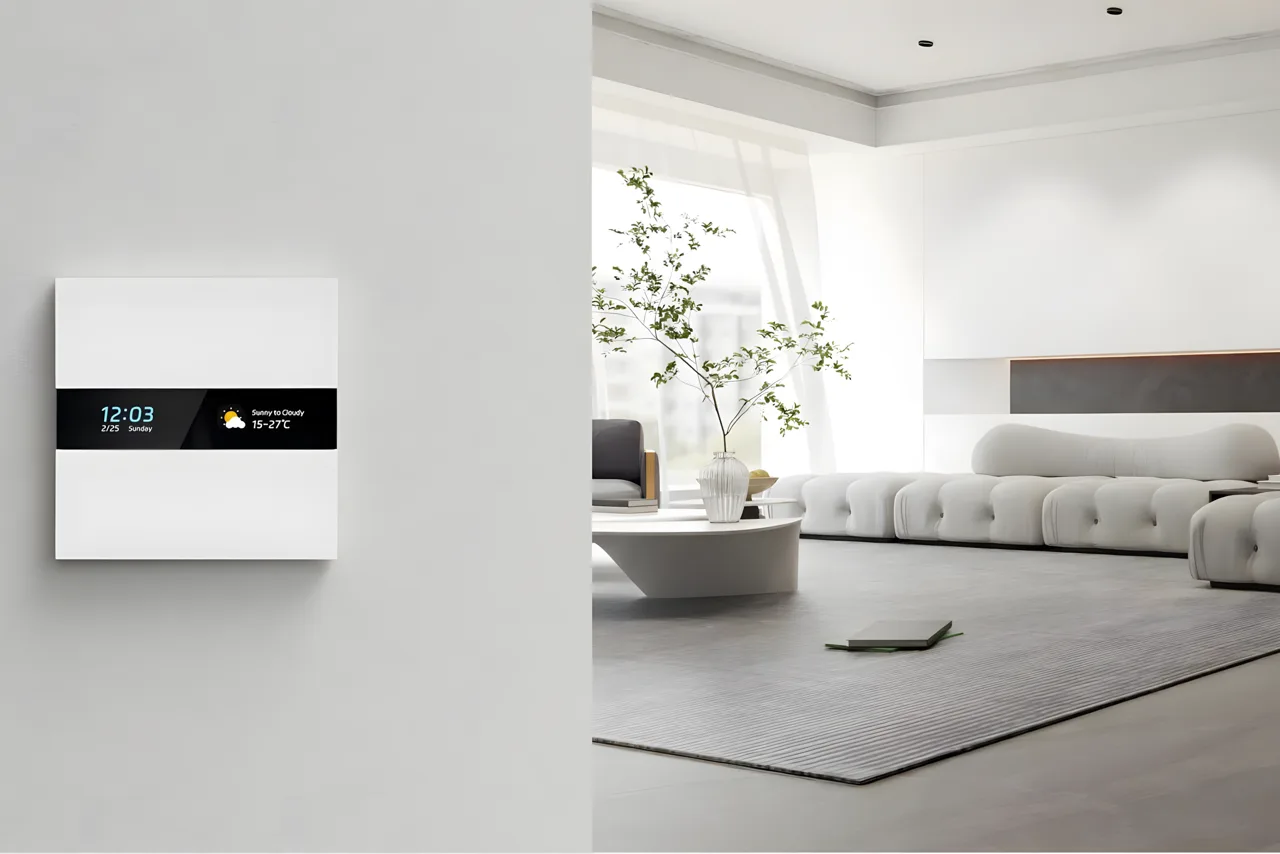
Smart Switches & Sockets
Tuya WiFi and Zigbee wall switches that replace your existing switches. Touch-panel control, app scheduling, and voice commands. Dimmers, scene controllers, DP switches for boilers, and smart sockets with energy monitoring.
- WiFi or Zigbee — choose your protocol
- Replace existing switches — same wall box, same wiring
- Schedule, timer, countdown from the Tuya app
- DP switches for boilers and water heaters
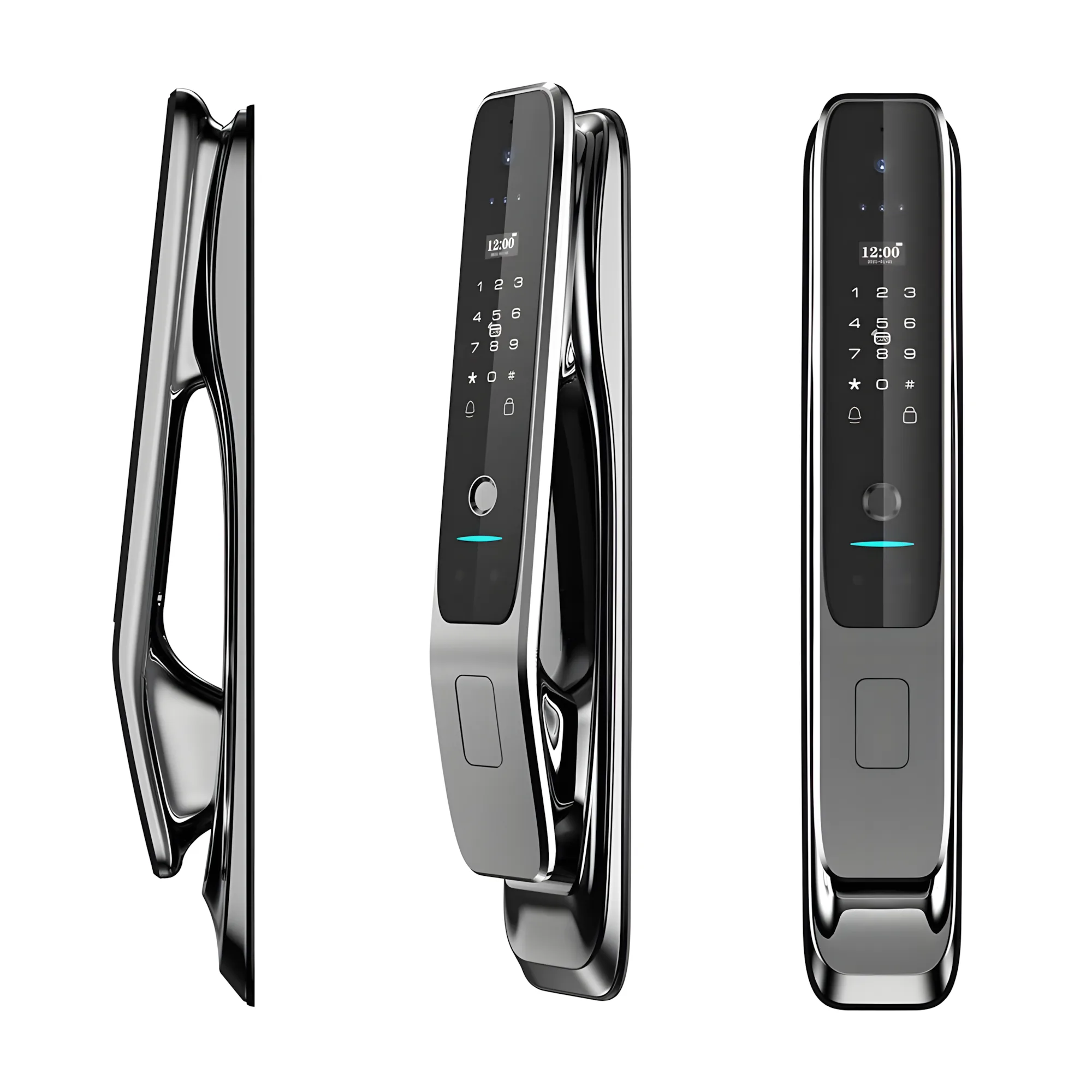
Smart Door Locks
Tuya smart locks with fingerprint, PIN, smart card, app, and face recognition. Hidden PIN entry, time-locked guest codes for AirBnBs, anti-tamper alarms, and full audit logs — all visible in the Tuya app.
- Fingerprint, PIN, card, face, app, key — 6 ways to unlock
- Hidden PIN — embed code in random digits
- Time-locked guest codes for AirBnBs
- Full audit log in Tuya app
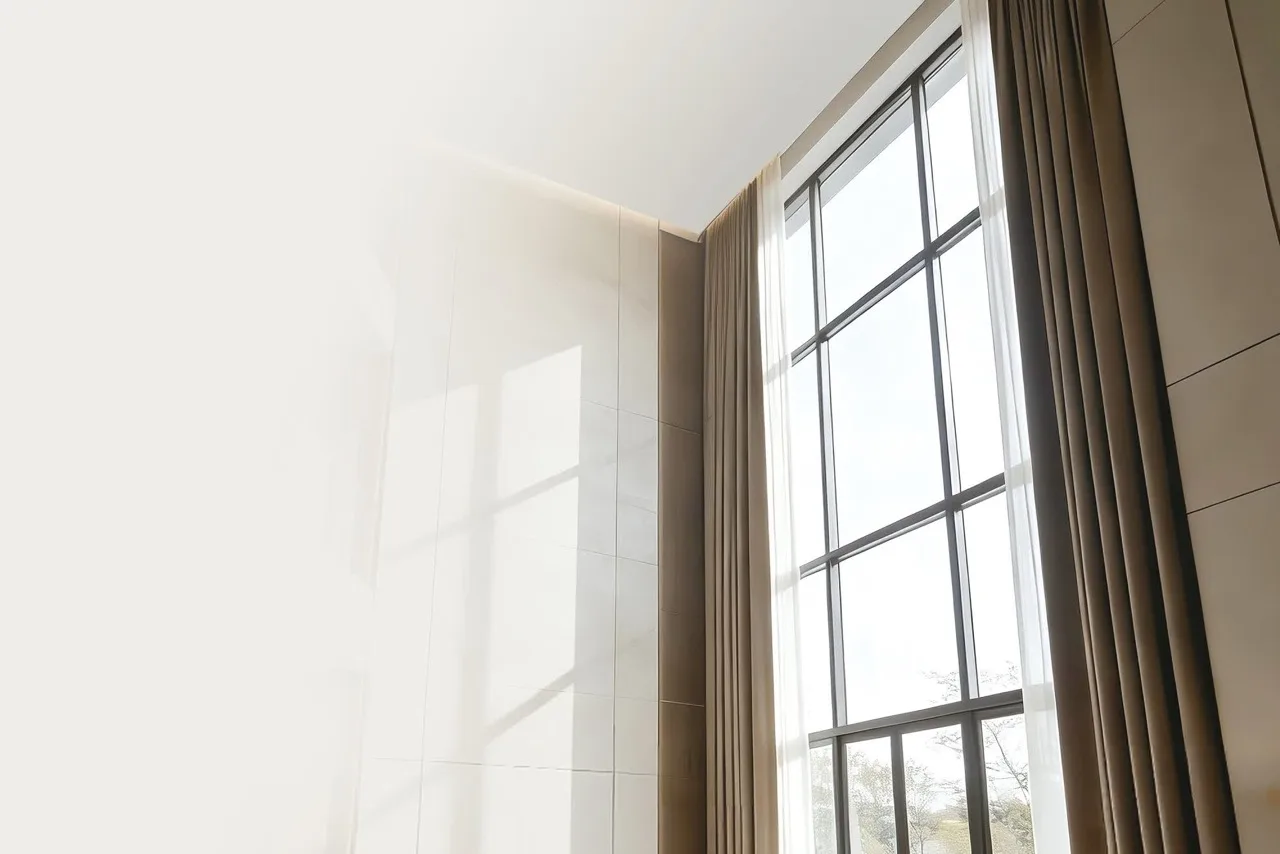
Smart Curtains & Blinds
Tuya motorised curtain tracks and roller blind motors. Schedule open/close with sunrise and sunset. Pull-to-activate touch motion. Set exact open percentage from the app.
- Sunrise/sunset automation — opens and closes daily
- Touch motion — gentle pull starts the motor
- App control — set exact open percentage
- Voice control via Alexa or Google Home
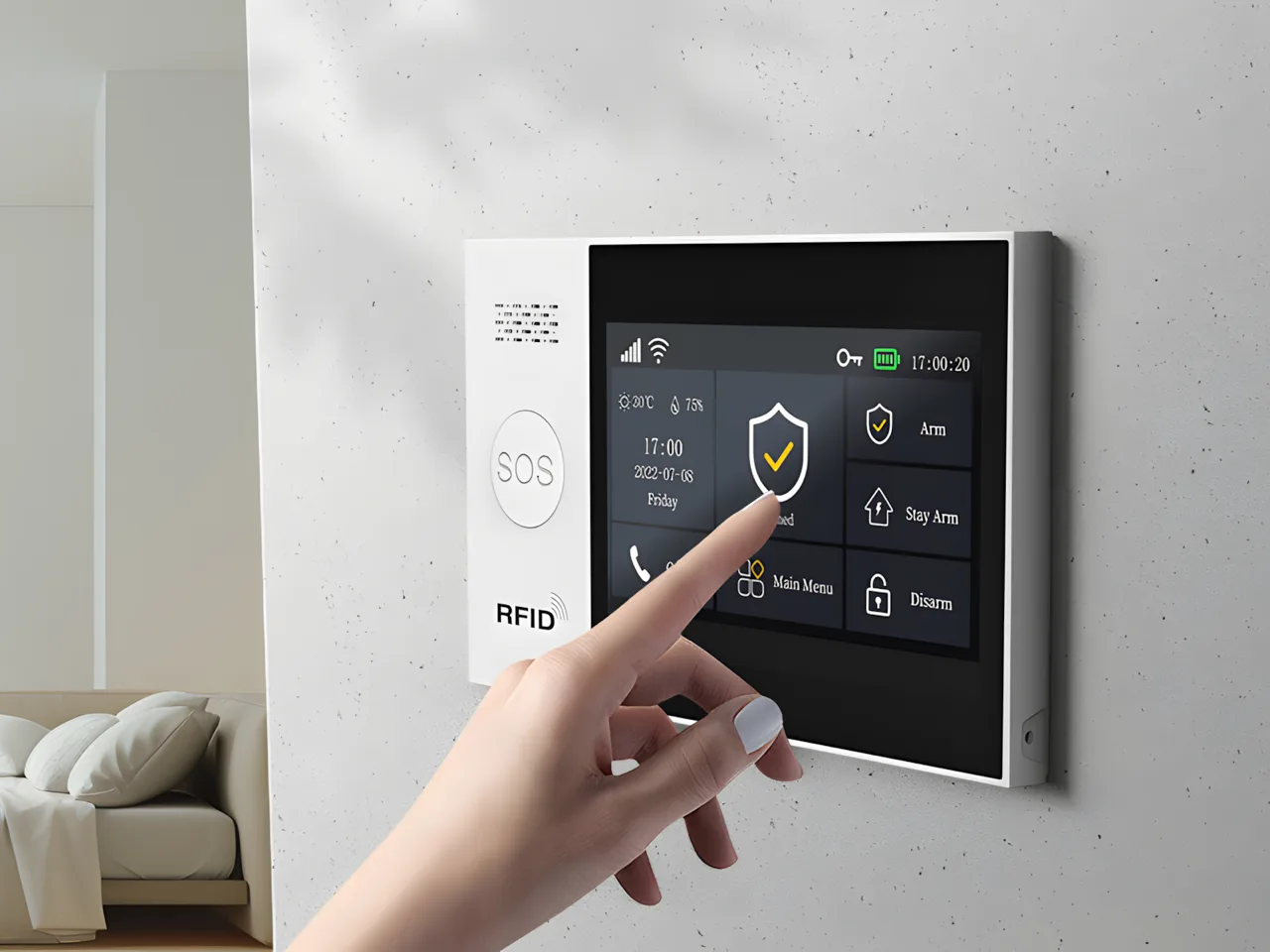
Smart Security & Alarms
Tuya alarm systems, smoke detectors, gas sensors, motion sensors, door contacts, and SOS buttons. Push notifications to your phone, GSM call/SMS backup, and 85dB siren. Layer sensors across your entire property.
- Push notification + GSM call + SMS — triple alert
- Up to 99 wireless zones per alarm hub
- Smoke, gas, motion, door, SOS sensors
- Battery backup — works during power outages
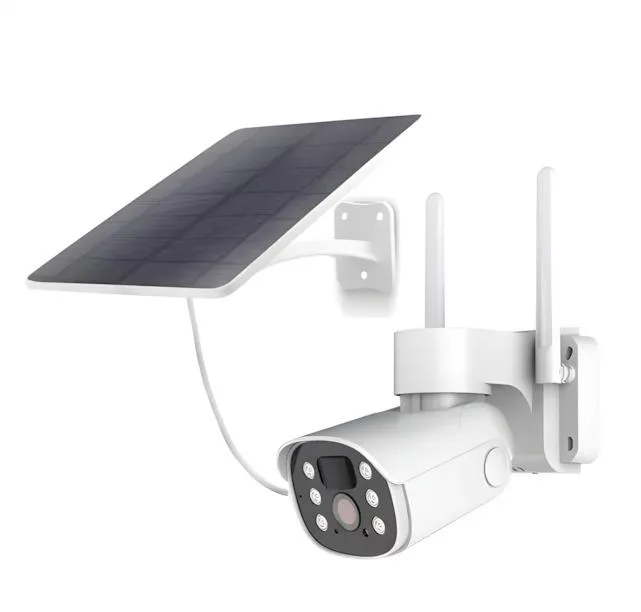
Smart Cameras
Tuya indoor and outdoor cameras with night vision, person detection, two-way audio, and solar-powered options. View live feeds, playback recordings, and receive motion alerts — all in the Tuya app.
- Night vision with infrared illumination
- Person detection — fewer false alerts
- Two-way audio — talk to visitors
- Solar powered option — no wiring needed
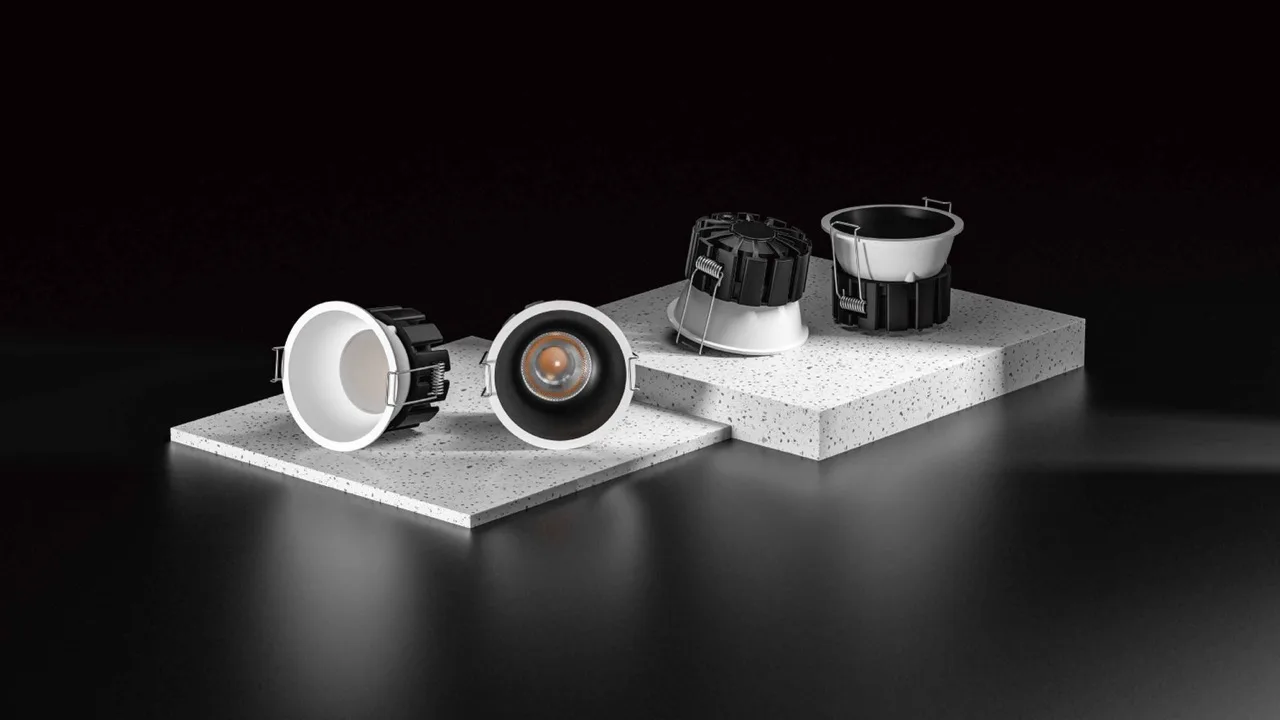
Smart Lighting
Tuya smart bulbs, GU10 spots, downlights, and LED strip controllers. Dimmable, CCT tunable (2700K-6500K), and full RGB on select models. Schedule lighting scenes and control by voice.
- Dimmable from 1% to 100%
- CCT tunable — warm to cool daylight
- Full RGB on select models
- Scene modes — "Movie", "Reading", "Party"
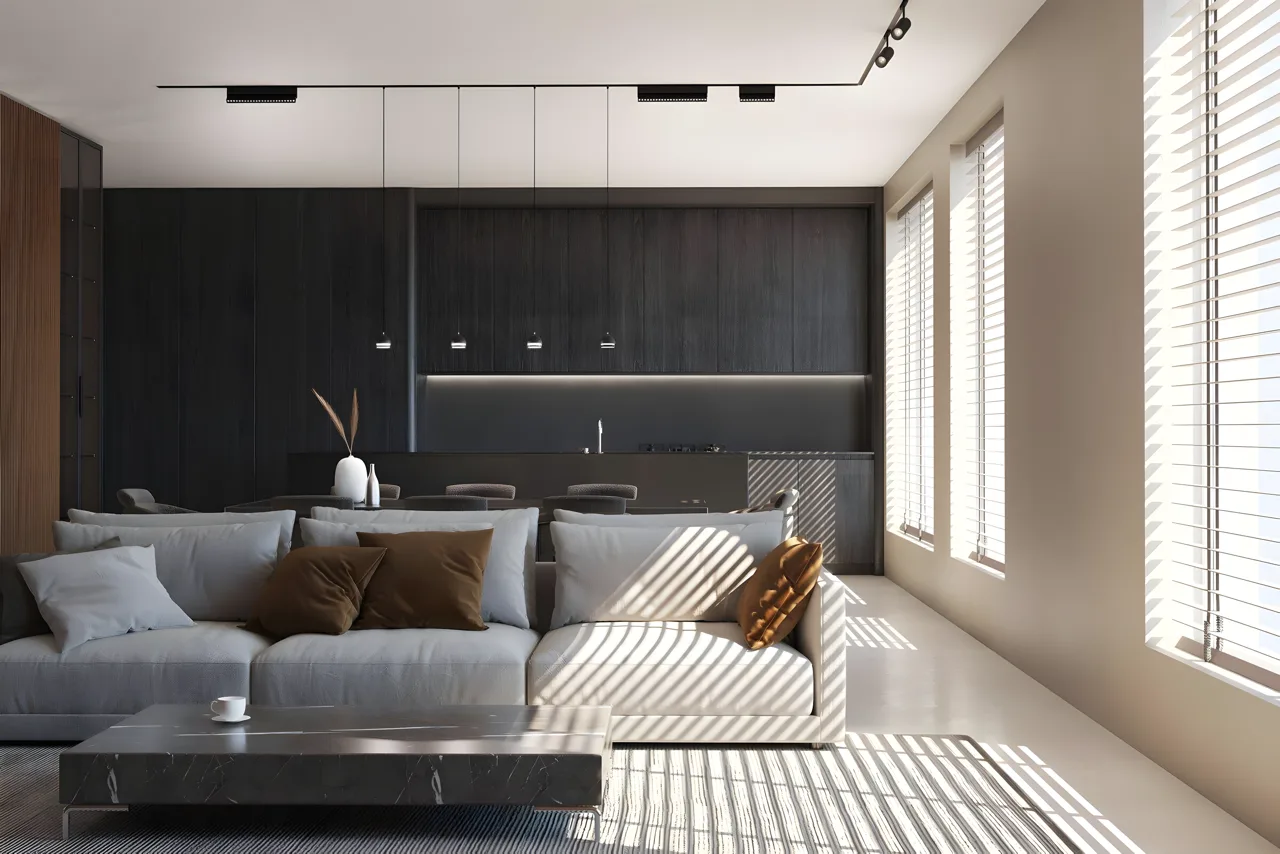
Smart Magnetic Track Lights
Tuya Zigbee magnetic track modules with CCT control. Spotlights, floods, and grille lights that snap onto a 48V rail magnetically. Dim, tune colour temperature, and set scenes from the app.
- Zigbee CCT tunable — 2700K to 6500K
- Dimmable via app or voice
- Magnetic snap-on — reposition without tools
- Scene modes for different moods
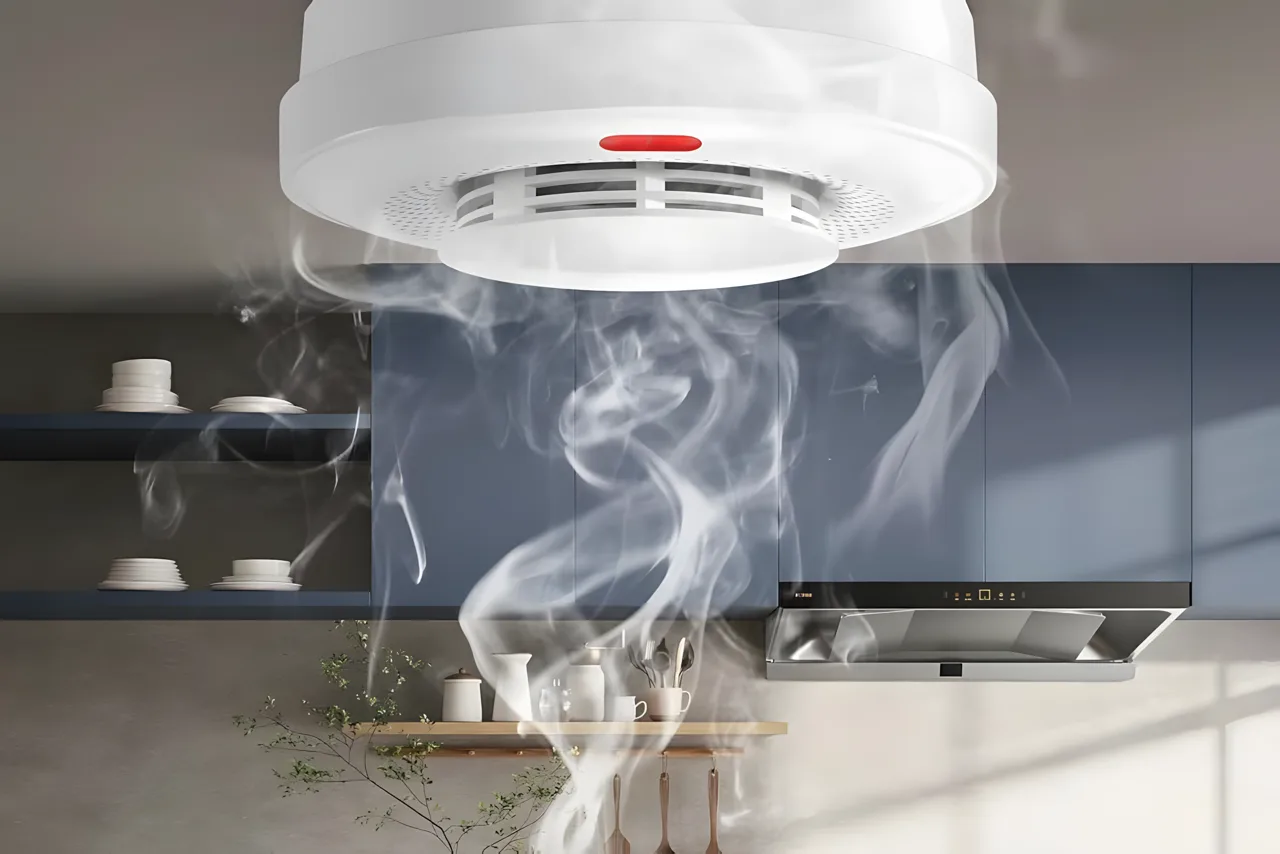
Smart Fire Safety
Tuya smoke detectors and gas sensors with instant phone push notifications. 85dB local siren sounds while the app alerts you remotely. Automate response: smoke detected → trigger sprinkler pump + turn on all lights.
- Phone notification + 85dB local siren
- Smoke, gas, and CO detection
- Automate: smoke → sprinkler + lights + siren
- Self-check with low battery alerts
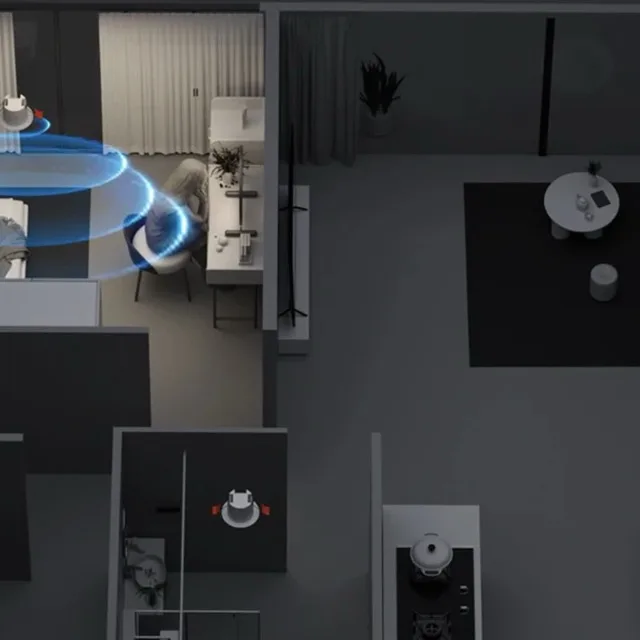
Presence Sensors
Tuya mmWave radar sensors that detect human presence — not just motion. Know whether someone is in a room even if sitting still. Automate lights, AC, and fans based on actual occupancy.
- mmWave radar — detects presence, not just movement
- Knows when room is occupied even with still people
- Automate lights, AC, fans by occupancy
- Ceiling mount — covers entire room
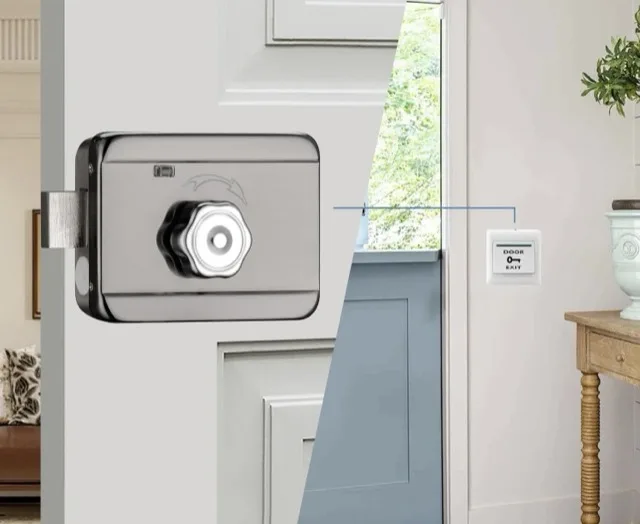
Electric Locks & Gate Control
Tuya-controllable electric strike locks, magnetic locks, and sliding gate integration. Open your gate remotely from your phone. Pair with video intercom to see the visitor, then unlock.
- Remote lock/unlock from Tuya app
- Pair with video intercom for visual access
- Sliding gate integration — open from phone
- Automate: guest code → unlock gate
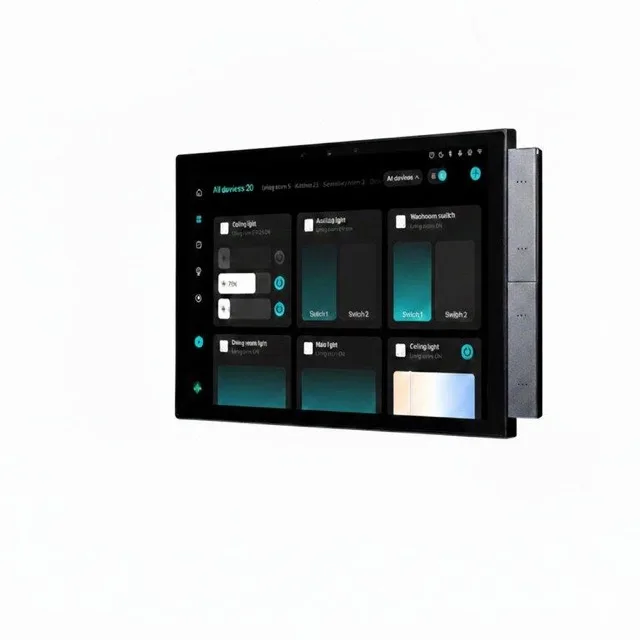
Smart Control Panels & Gateways
Tuya Zigbee touch-screen control panels that serve as your smart home command centre. Built-in Zigbee gateway, intercom, and music player in one wall-mounted display. Control every Tuya device from a central screen — no phone needed.
- 4", 6", 8", and 10" touch screens available
- Built-in Zigbee gateway — no separate hub needed
- Intercom — call between rooms or to your phone
- Music player — Bluetooth, local media playback
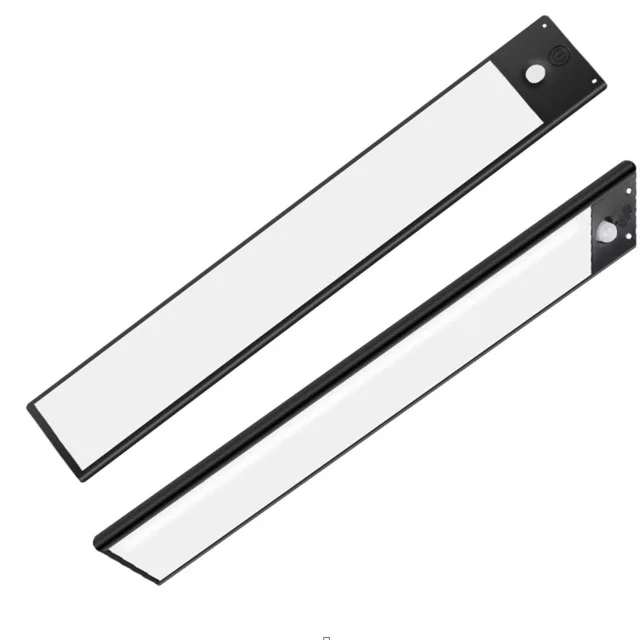
Cabinet & Wardrobe Lighting
Rechargeable motion-sensor LED strips that attach magnetically inside wardrobes, kitchen cabinets, and drawers. Tuneable white (warm, neutral, cool) with one-click CCT switching. No wiring — just stick and go.
- Motion sensor — lights up when you open the door
- Magnetic attachment — no screws, no wiring
- Tuneable white — warm, neutral, or cool with one click
- USB-C rechargeable — no batteries to replace
Your home responds to you
Create scenes in the Tuya app — one tap or automatic triggers that control multiple devices at once. No coding required.
Good Morning
- Open curtains
- Lights to 6000K cool at 80%
- Start boiler via DP switch
- Play news on in-wall amplifier
Movie Night
- Close curtains
- Dim all lights to warm 2700K at 10%
- Turn off hallway lights
- Smart track spots off, floods to ambient
Away Mode
- Lock front door
- Turn off all lights and sockets
- Close curtains
- Arm alarm system
- Enable camera motion alerts
Guest Check-In
- Turn on entry lights
- Play welcome audio
- Open living room curtains
- Set AC to 22°C
Two protocols, one app
Both work with Tuya. The choice depends on your setup size and device types.
WiFi
Simple. Direct. No hub.
- Connects directly to your WiFi router
- No gateway or hub needed
- Best for: 1-10 devices, switches, plugs
- Setup: power on → scan QR → done
- Limitation: uses router bandwidth, needs internet for app
Zigbee
Reliable. Low power. Mesh network.
- Requires a Zigbee gateway (one per home)
- Mesh network — devices relay signals to each other
- Best for: 10+ devices, sensors, locks, large homes
- Battery sensors last months (not weeks)
- Works locally during internet outages via gateway
Popular Tuya devices in Kenya


 Sale
Sale 


Everything you need to know about Tuya in Kenya
What is Tuya?
Tuya is the world's largest smart home platform, powering over 600,000 products from thousands of brands across 200+ countries. It provides the app, cloud infrastructure, and connectivity layer that makes devices smart. When you buy a "Tuya-compatible" device, it works with the Tuya Smart app and connects to every other Tuya device — creating one unified smart home ecosystem.
Can I buy Tuya devices in Kenya?
Yes. We are an official Tuya-compatible device dealer in Nairobi, Kenya. We stock smart switches, door locks, curtain motors, sensors, cameras, alarms, LED controllers, and magnetic track lights — all Tuya compatible. Visit our showroom at Ground Floor, Longonot Place, Kijabe Street, Nairobi, or order online with delivery across Kenya.
What is the Tuya Smart app?
The Tuya Smart app (available on iOS and Android) is the single app that controls all your Tuya devices. Add devices by scanning a QR code or putting them in pairing mode. From the app you can: control devices remotely, set schedules and timers, create automations ("if this, then that"), group devices by room, share access with family members, and view activity logs.
Does Tuya work with Alexa and Google Home?
Yes. In the Alexa or Google Home app, search for the "Tuya Smart" or "Smart Life" skill, link your Tuya account, and all your devices appear automatically. You can then control them by voice — "Alexa, turn off the bedroom lights", "Hey Google, lock the front door", "Alexa, set living room to movie mode".
What is the difference between Tuya Smart and Smart Life?
They are the same platform with different branding. Both apps control the same devices and share the same account. Use whichever you prefer — we recommend Tuya Smart as it receives updates more frequently.
Zigbee or WiFi — which should I choose?
WiFi devices connect directly to your router — no hub needed, simplest setup. Best for a few switches and plugs. Zigbee devices need a Zigbee gateway but form a mesh network — more reliable for large homes, better battery life for sensors and locks (months vs weeks). For 1-5 devices, WiFi is fine. For whole-home automation, Zigbee is recommended.
Do Tuya devices work without internet?
Zigbee devices continue to work locally through the gateway even if internet goes down — automations and manual control still function. WiFi devices need internet for app control, but most wall switches still work as manual touch switches during outages. Your smart home doesn't become a dumb home.
Is Tuya secure?
Tuya uses bank-grade encryption (AES-128) for all device communication and holds ISO/IEC 27001 and SOC 2 Type II security certifications. Data is stored regionally with GDPR compliance. Two-factor authentication is available for your Tuya account.
Can I share device access with family?
Yes. In the Tuya app, go to "Home Management" and invite family members by email or phone number. You can set permissions — full control, view-only, or specific device access. Each family member uses their own Tuya account and sees the shared devices in their app.
How do I create automations?
In the Tuya app, tap "Smart" → "Create Scene". Choose a trigger (time, device state, location, weather) and actions (control devices, send notifications, delay). Example: "When front door lock opens → turn on entry lights + play welcome audio + open curtains." No coding required. You can also create one-tap scenes like "Movie Night" that execute multiple actions at once.
Do you install Tuya devices?
Yes. We provide professional installation for all Tuya devices across Nairobi. Smart switches require basic electrical work (replacing your existing switch). Curtain motors, locks, and sensors are simpler. Contact us on WhatsApp for installation pricing — it's typically KSh 500-1,500 per device depending on complexity.
What is Matter and does Tuya support it?
Matter is a new universal smart home standard backed by Apple, Google, Amazon, and Samsung. Tuya supports Matter — newer Tuya devices with Matter certification work natively with Apple HomeKit, Google Home, Amazon Alexa, and Samsung SmartThings without needing the Tuya app. We are progressively stocking Matter-certified Tuya devices.
Start with a single switch
You don't need to automate your entire home at once. Start with one smart switch (from KSh 950), see how the Tuya app works, and expand from there. We'll guide you every step — from first device to whole-home automation.